


5 Questions About Auto Speed Control Answered
Created December 17, 2025
Feed Gate Interaction
Q: How does Auto Speed Control interact with my feed gate?
A: Set it and forget it! Before Auto Speed, you used the feed gate to manually restrict flow. Now, you should set it to fully open. This allows the Auto feature to accurately manage the flow for you and ensures your material usage estimates are spot on.
Saving Salt with Pre-Wet
Q: If I use a pre-wetting kit, how does it affect material flow?
A: Pre-wetting makes salt more effective, allowing you to lower your spread rate by up to 30%. Instead of guessing the adjustment, just input your new, lower target rate into the Auto Speed Control. It’ll hit that target perfectly, so you actually capture those salt savings.
Using the “Blast” Button
Q: Can I still use the “Blast” button with Auto Speed?
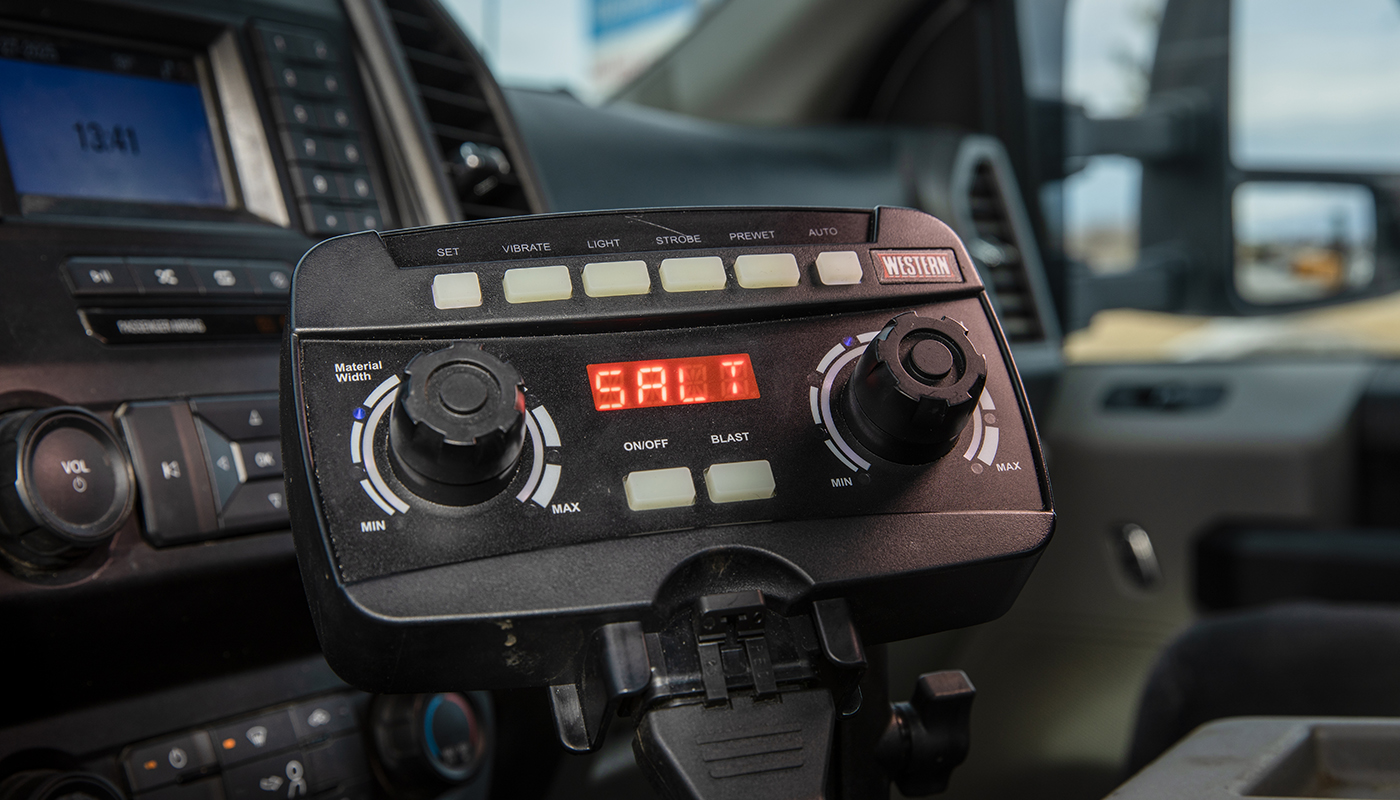
A: Yes! The Blast feature still works for areas where you want to add extra material. Just keep in mind that using it delivers a burst above your target rate, which will increase your total material used for that site. Use it sparingly to keep your average consistent!
Truck Electronics & OBDII
Q: Will the OBDII plug interfere with my truck’s electrical system?
A: Not at all. The plug is “passive,” meaning it only reads your vehicle’s speed. It doesn’t draw power or send any data back into your truck, so your electrical system stays completely safe.
Compatibility
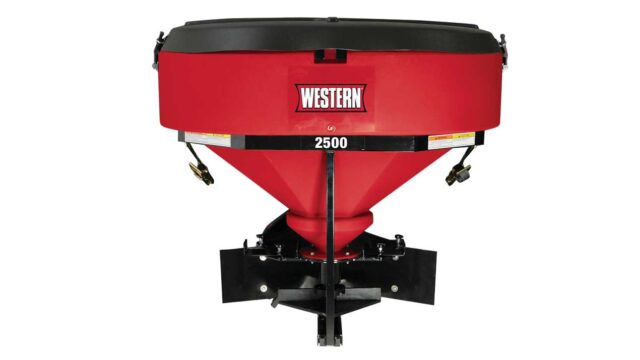
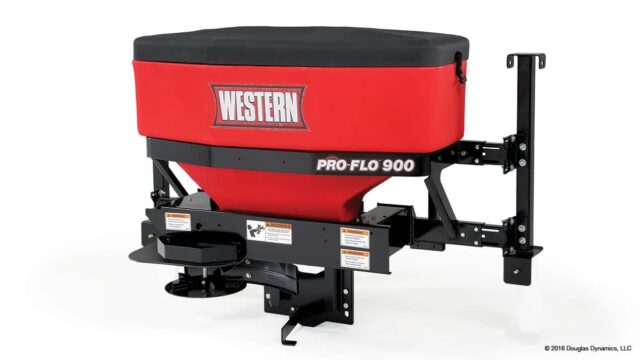
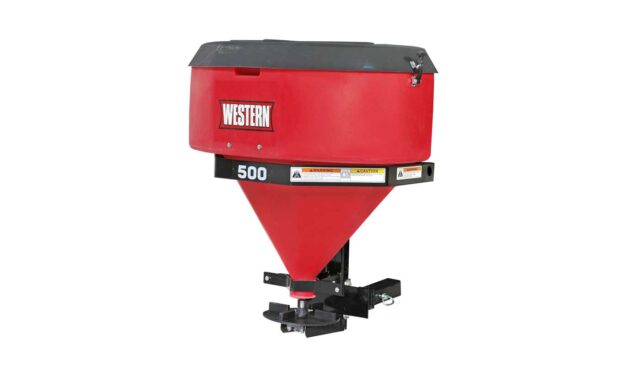
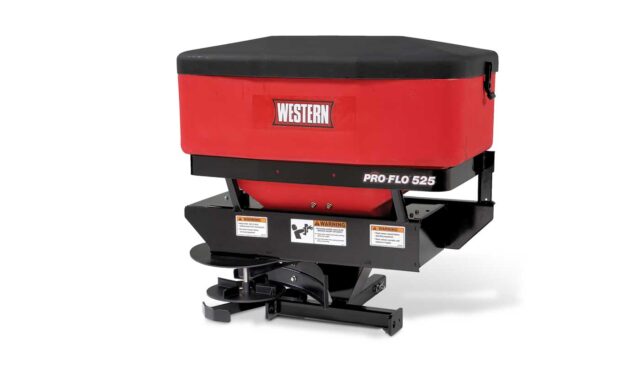
Q: Will Auto Speed Control work with my older spreader?
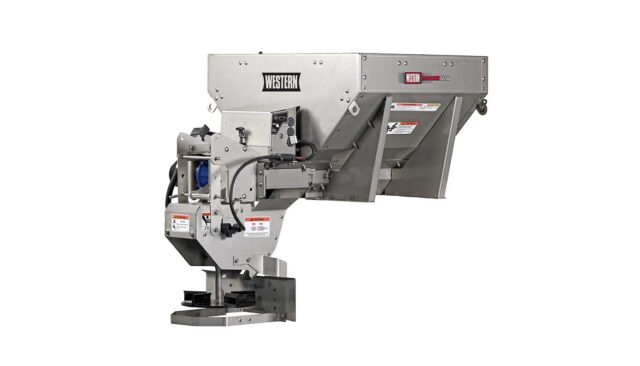
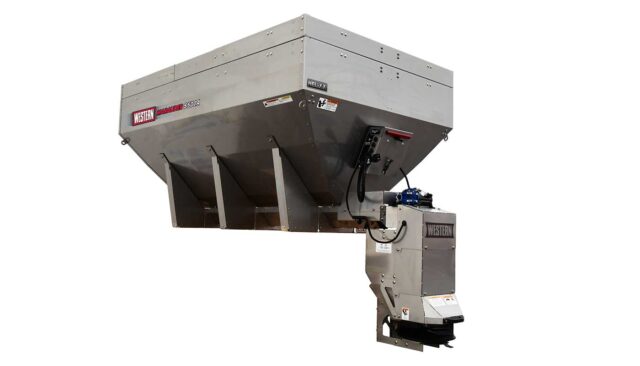
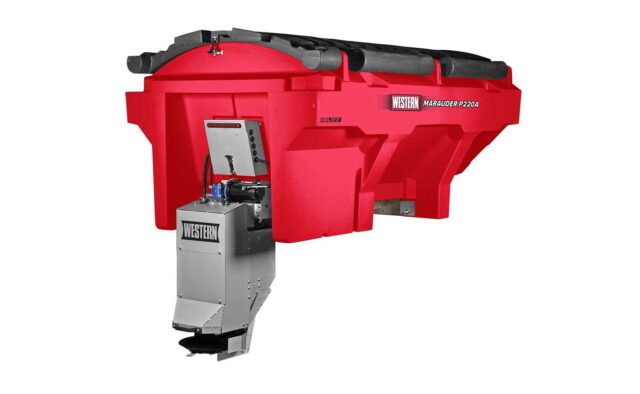
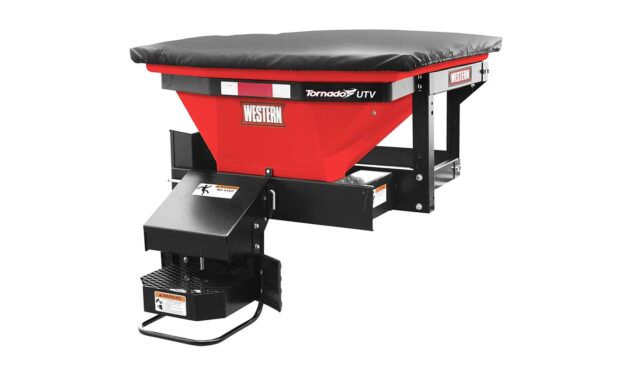
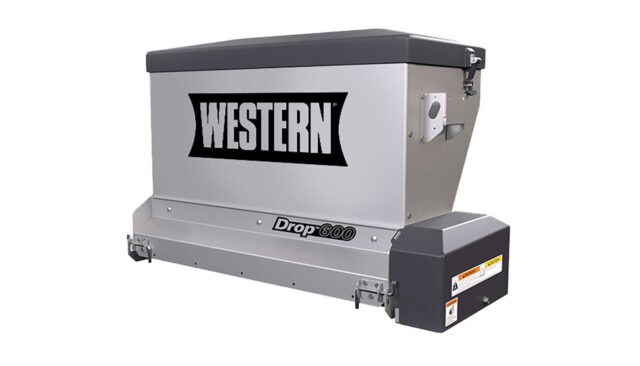
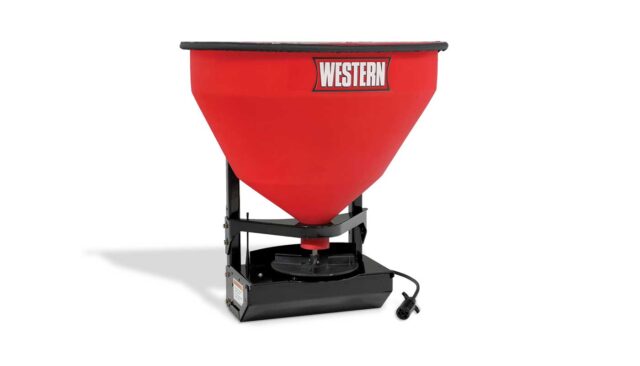
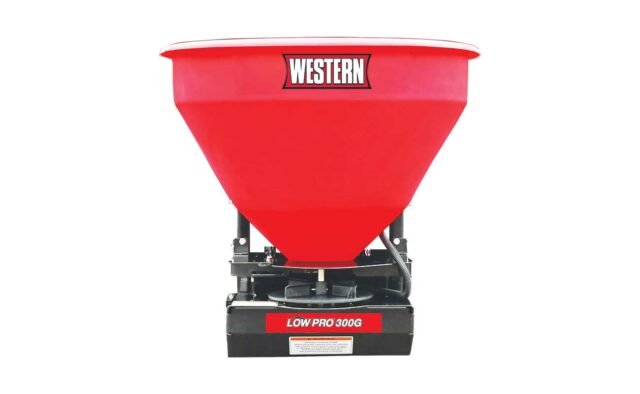
A: Likely yes! It’s backwards compatible with most models dating back to 2016. As long as your spreader has the Fleet Flex electrical system and your truck has an OBDII port, you’re likely good to go. Check with your local dealer to confirm!